

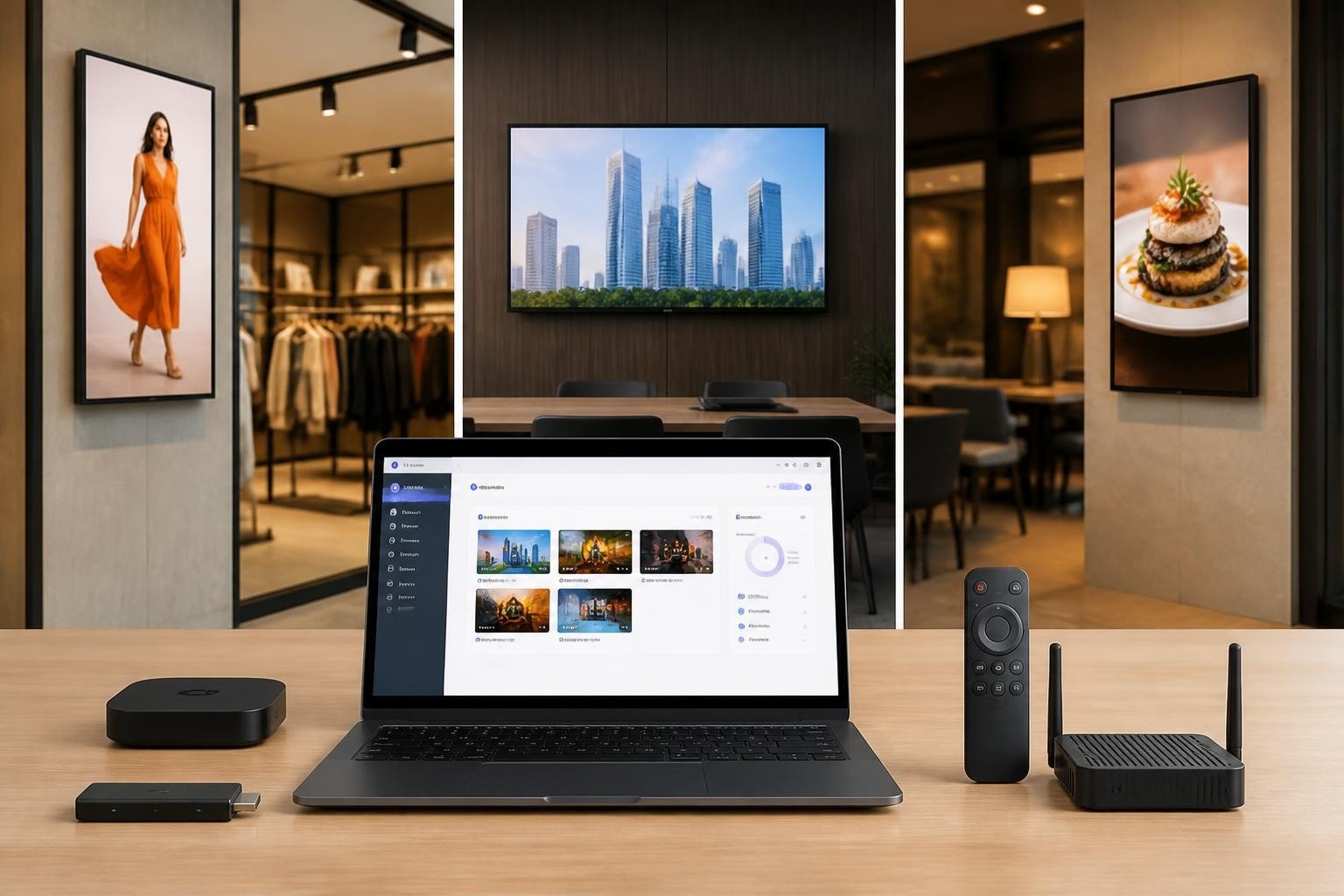
Android digital signage has emerged as the dominant platform for businesses seeking flexible, cost-effective display solutions. The combination of familiar operating systems, affordable hardware, and robust content management capabilities makes Android the preferred choice for organisations ranging from retail chains to corporate environments. With Google's continued investment in dedicated device modes and enterprise features, Android-powered displays offer unprecedented control, security, and scalability for digital signage deployments across every industry sector.
Understanding Android Digital Signage Architecture
The foundation of any successful Android digital signage deployment begins with understanding the underlying architecture. Modern Android signage solutions leverage purpose-built hardware running dedicated versions of Android, typically Android TV or standard Android configured in kiosk mode. These devices transform commercial-grade displays into intelligent communication platforms capable of delivering dynamic content to targeted audiences.
Hardware Components and Requirements
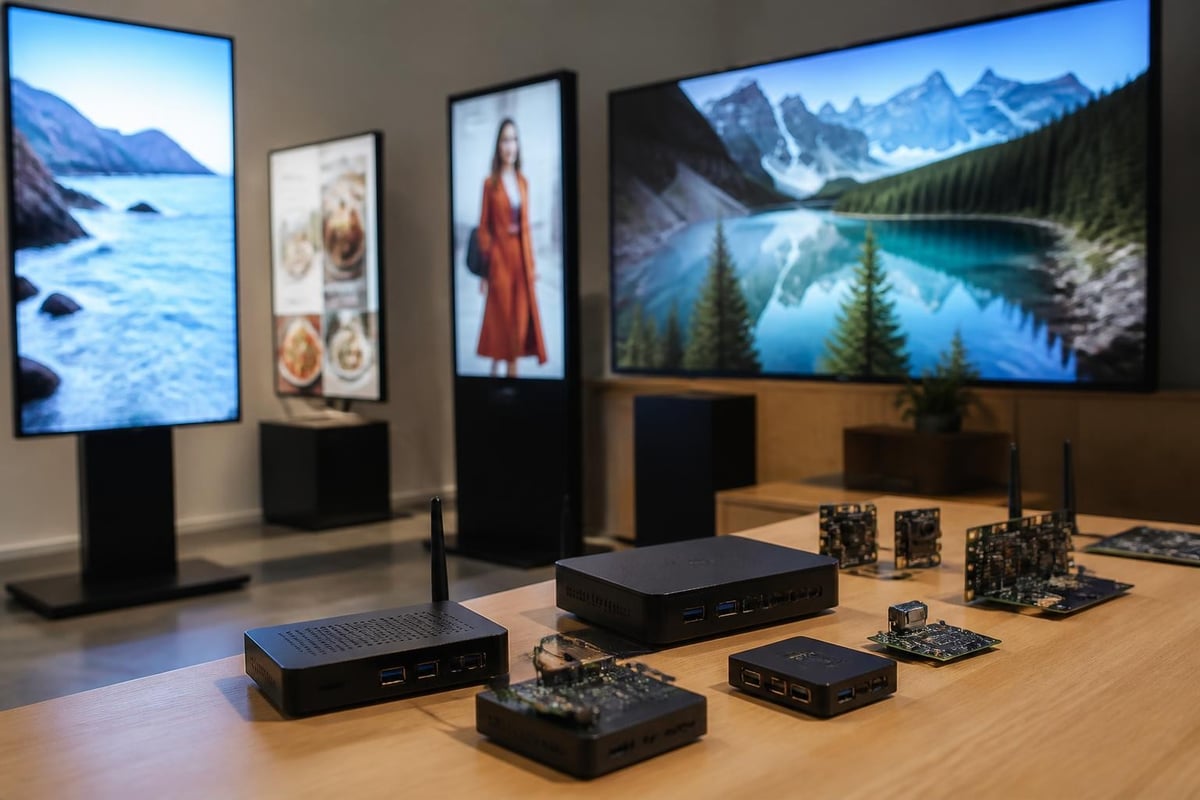
Selecting appropriate hardware remains crucial for long-term deployment success. Android digital signage hardware ranges from compact media players to system-on-chip (SoC) displays with integrated processing power.
Key hardware considerations include:
- Processing power: Quad-core or octa-core processors ensure smooth 4K playback and responsive interfaces
- Memory allocation: Minimum 2GB RAM for basic content, 4GB+ for interactive applications
- Storage capacity: 16GB internal storage with expandable microSD options
- Connectivity: Dual-band Wi-Fi, Ethernet, Bluetooth 5.0, and optional 4G/5G modules
- Display output: HDMI 2.0 or DisplayPort for 4K resolution support
System-on-chip displays integrate the Android player directly into the panel, reducing cable clutter and simplifying installation. These all-in-one solutions prove particularly valuable in retail environments where aesthetic considerations matter alongside functionality. The Official Android Developers guide to dedicated devices provides comprehensive technical specifications for configuring devices in kiosk and signage modes.
| Hardware Type | Best Use Case | Typical Price Range | Management Complexity |
|---|---|---|---|
| Media Stick | Single display, basic content | £50-£150 | Low |
| Professional Player | Multi-zone layouts, 4K content | £200-£600 | Medium |
| SoC Display | Integrated solution, clean install | £400-£2000 | Low-Medium |
| Industrial Player | 24/7 operation, outdoor conditions | £500-£1500 | High |
Content Management and Delivery Systems
Effective Android digital signage relies on sophisticated content management systems (CMS) that orchestrate media delivery, scheduling, and monitoring across distributed networks. Modern platforms operate on cloud-based architectures, enabling centralised control of thousands of displays from a single dashboard.
Content management workflows typically follow a publish-subscribe model where content creators upload media to cloud storage, define playlists and schedules, and push updates to designated device groups. The Android signage player maintains a local content cache, ensuring playback continuity even during network interruptions.
Scheduling and Playlist Logic
Advanced scheduling engines allow granular control over content delivery based on multiple triggers and conditions. Operators can configure dayparting schedules that display breakfast menus during morning hours, switch to lunch offerings at midday, and present dinner specials in the evening. Conditional logic extends beyond time-based triggers to include weather data, inventory levels, social media feeds, and real-time analytics.
- Create content zones defining screen regions for different media types
- Upload media assets including videos, images, HTML5 content, and live feeds
- Build playlists with duration rules, transition effects, and priority levels
- Configure schedules using calendar-based, event-triggered, or data-driven logic
- Deploy to devices targeting specific locations, groups, or individual displays
- Monitor performance through analytics dashboards tracking playback and engagement
The Android Media3 / ExoPlayer documentation provides detailed guidance on implementing robust media playback capabilities that handle diverse formats and streaming protocols commonly used in signage applications.
Security Considerations for Enterprise Deployments
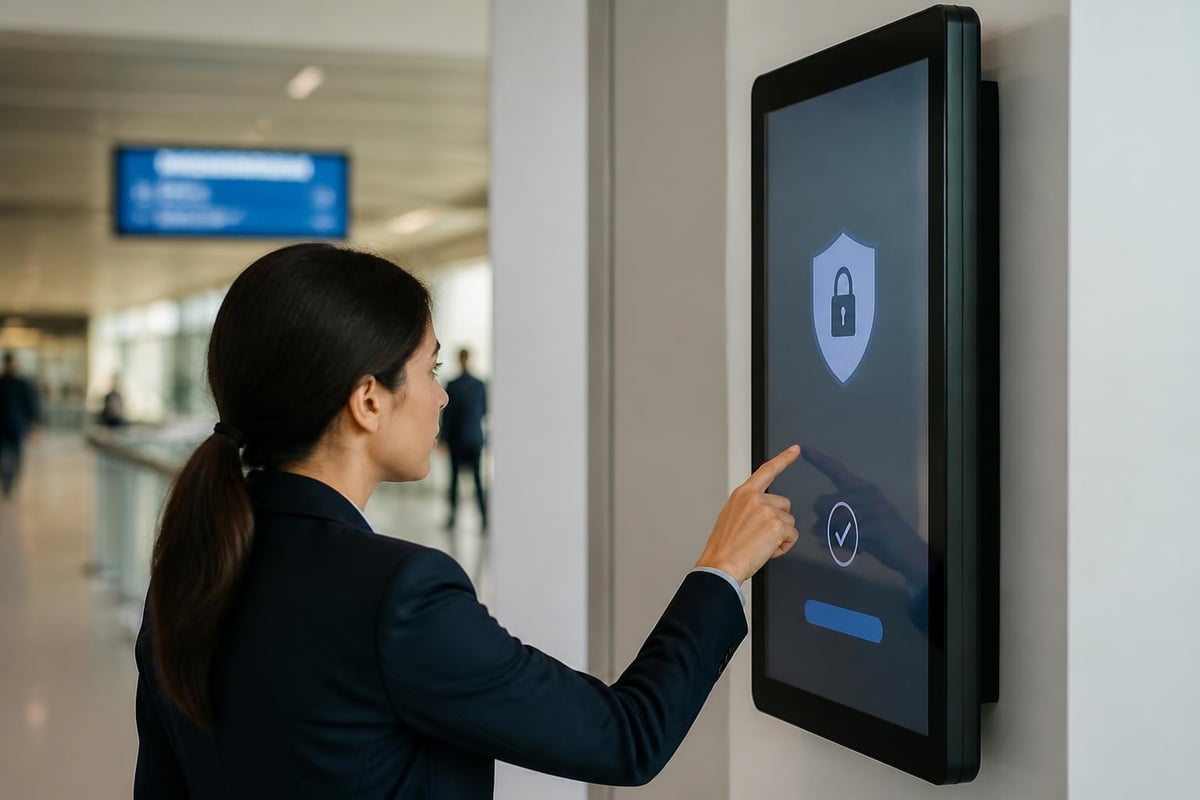
Security represents a critical yet often overlooked aspect of Android digital signage implementations. Devices operating in public spaces face unique vulnerabilities including physical tampering, network intrusions, and unauthorised content injection. Comprehensive security strategies address threats at device, network, and application layers.
Device-Level Security Measures
Android digital signage devices should operate in locked-down configurations that prevent unauthorised access and modifications. Google's Android Enterprise program offers dedicated device modes specifically designed for single-purpose applications like digital signage.
Essential security configurations include:
- Enabling secure boot and verified boot mechanisms
- Implementing full-disk encryption for stored content
- Disabling USB debugging and developer options
- Restricting physical port access through lockable enclosures
- Configuring automatic security updates and patch management
The HKCERT IoT Security Guideline for Digital Signage offers practical recommendations for securing signage endpoints and protecting against emerging threats in commercial deployment scenarios.
Network and Content Security
Network segmentation isolates signage devices from corporate IT infrastructure, limiting potential attack vectors. VLAN configurations create dedicated networks for signage traffic, whilst firewall rules restrict outbound connections to authorised content servers and management platforms.
Content security protocols verify media authenticity before playback, preventing malicious code injection through compromised content files. Digital signatures and hash verification ensure content integrity from creation through delivery. Regular security audits identify configuration drift and potential vulnerabilities before exploitation occurs.
| Security Layer | Implementation Method | Risk Mitigation |
|---|---|---|
| Physical | Lockable enclosures, tamper sensors | Unauthorised access |
| Network | VLAN segmentation, certificate pinning | Man-in-the-middle attacks |
| Application | Code signing, sandboxing | Malware injection |
| Content | Hash verification, encrypted delivery | Content tampering |
Mobile Device Management Integration
Enterprise-scale Android digital signage deployments require robust mobile device management (MDM) platforms to provision, configure, and monitor distributed fleets. MDM solutions automate device enrollment, enforce security policies, and provide remote troubleshooting capabilities that reduce operational overhead.
Modern MDM platforms support zero-touch enrollment, allowing new devices to automatically configure themselves upon first power-on. IT administrators pre-register device identifiers in the MDM console, associating each unit with configuration profiles that specify network credentials, application packages, and security policies. The Microsoft Intune documentation for Android enrollment demonstrates enterprise enrollment flows applicable to dedicated signage devices.
Policy Management and Compliance
MDM platforms enforce compliance policies that verify devices meet security standards before granting network access. Non-compliant devices receive automatic remediation commands or enter quarantine states until administrators resolve configuration issues. Policy templates standardise configurations across device groups, ensuring consistency in large-scale deployments.
Remote management capabilities enable IT teams to troubleshoot issues, push emergency content updates, and perform maintenance tasks without physical access to devices. Screen mirroring functionality allows support staff to view live display output, whilst remote control features facilitate interactive problem diagnosis.
Core MDM capabilities for signage include:
- Application whitelisting and blacklisting
- Remote screen capture and diagnostics
- Kiosk mode enforcement and escape prevention
- Geofencing and location-based policies
- Bandwidth throttling and download scheduling
Traditional signage solutions often require complex custom fabrication, but pairing physical displays with intelligent Android players creates hybrid solutions. For instance, businesses investing in high-quality Lightbox Signage can enhance static displays by integrating Android-powered screens that deliver dynamic, updatable content alongside traditional illuminated panels.

Display Optimisation and Layout Strategies
Maximising visual impact requires careful attention to display characteristics, content formatting, and layout design principles specific to commercial signage applications. Android digital signage players must account for display resolution, aspect ratio, viewing distance, and ambient lighting conditions when rendering content.
The Android TV layout and playback guidance provides practical recommendations for large-format displays, including overscan compensation and safe-area margins that prevent critical content from appearing outside visible screen boundaries. These principles apply equally to Android TV devices and standard Android players connected to commercial displays.
Resolution and Aspect Ratio Management
Modern commercial displays support resolutions ranging from Full HD (1920×1080) to 4K Ultra HD (3840×2160), with emerging 8K panels entering professional markets. Content creators must design assets that scale gracefully across resolution ranges whilst maintaining visual clarity and readability.
Multi-zone layouts divide screens into distinct regions displaying different content types simultaneously. A typical retail configuration might present promotional video in a primary zone occupying 60% of screen real estate, product imagery in a secondary zone using 30%, and live social media feeds in a tertile zone covering the remaining 10%. Zone-based layouts maximise information density whilst maintaining visual hierarchy and viewer comprehension.
| Aspect Ratio | Common Resolutions | Typical Applications |
|---|---|---|
| 16:9 | 1920×1080, 3840×2160 | General signage, corporate communications |
| 21:9 | 2560×1080, 3440×1440 | Ultrawide displays, immersive experiences |
| 9:16 | 1080×1920, 2160×3840 | Portrait orientation, wayfinding, directories |
| Custom | Variable | Video walls, curved displays, creative installations |
The Samsung Signage Video Specifications outline codec support and format compatibility for professional displays, helping deployment teams select appropriate encoding parameters that ensure broad hardware compatibility.
Web-Based Content Strategies
Web technologies increasingly power Android digital signage content, leveraging HTML5, CSS3, and JavaScript to create responsive, interactive experiences. Web-based approaches offer significant advantages including cross-platform compatibility, simplified content updates, and access to vast libraries of web frameworks and components.
Browser-based signage players render web content in full-screen kiosk mode, effectively transforming websites into digital signage applications. This architecture enables content teams without mobile development expertise to create sophisticated signage experiences using familiar web development tools and workflows.
HTML5 Capabilities and Limitations
HTML5 specifications support rich media including video playback, animations, geolocation services, and offline storage through service workers and local caching mechanisms. The W3C Web-based Signage community resource discusses standards-based approaches and architectural considerations for web-powered signage deployments.
However, web-based content introduces performance considerations absent from native applications. JavaScript execution overhead, DOM manipulation complexity, and garbage collection cycles can impact frame rates and playback smoothness, particularly on lower-powered hardware. Careful optimisation including lazy loading, hardware acceleration, and efficient asset delivery proves essential for production deployments.
- Utilise GPU-accelerated CSS transforms and animations
- Implement lazy loading for off-screen content and images
- Minimise DOM complexity and avoid excessive nesting
- Leverage browser caching and service workers for offline capability
- Monitor memory consumption and implement periodic page refreshes
Industry-Specific Applications
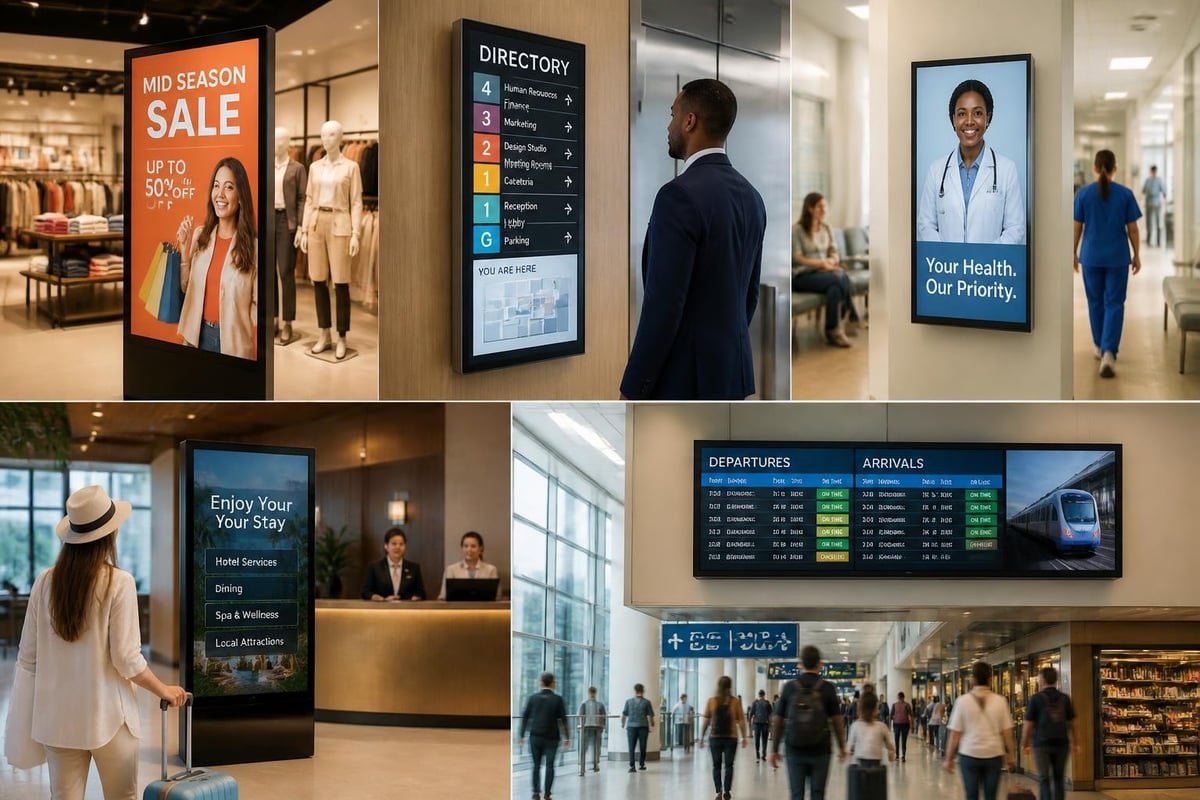
Android digital signage adapts to diverse industry requirements, from retail environments demanding rapid content updates to healthcare facilities requiring HIPAA-compliant patient communication systems. Understanding sector-specific needs informs hardware selection, software configuration, and content strategy development.
Retail and Quick-Service Restaurants
Retail environments leverage Android digital signage for dynamic pricing, promotional content, and queue management. Menu boards in quick-service restaurants display current offerings, nutritional information, and limited-time promotions that update automatically based on inventory systems and daypart schedules.
Integration with point-of-sale systems enables real-time content adjustments responding to stock levels, eliminating customer frustration from ordering unavailable items. Basket analysis data informs upsell messaging displayed during checkout queues, whilst dwell-time sensors trigger content variations based on queue length and customer demographics.
Corporate Communications
Corporate environments deploy Android digital signage for internal communications, wayfinding, and conference room scheduling. Reception areas display company news, visitor information, and meeting schedules synchronised with calendar systems. Integration with active directory services personalises greetings and directional information for identified visitors.
Emergency messaging capabilities provide critical communication channels during evacuations or security incidents, overriding scheduled content with alert information. Multi-language support ensures accessibility for diverse workforces, whilst accessibility features including high-contrast modes and text-to-speech support compliance with disability legislation.
Codec Selection and Video Format Optimisation
Selecting appropriate video codecs significantly impacts playback performance, storage requirements, and content quality across Android digital signage deployments. Modern codecs balance compression efficiency against decoding complexity, requiring careful evaluation based on hardware capabilities and content characteristics.
H.264/AVC remains the most widely supported codec across Android devices, offering broad compatibility and hardware-accelerated decoding on virtually all signage players. However, newer codecs including H.265/HEVC and VP9 deliver superior compression ratios, reducing bandwidth consumption and storage requirements for 4K content whilst maintaining visual quality.
Codec comparison for signage applications:
- H.264/AVC: Universal compatibility, moderate file sizes, excellent hardware support
- H.265/HEVC: 40-50% smaller files than H.264, limited older device support, licensing considerations
- VP9: Royalty-free, good compression, variable hardware acceleration across devices
- AV1: Future-focused, excellent compression, limited current hardware support
The ATSC standards page provides authoritative guidance on broadcast video standards and codec specifications, offering insights into format selection for professional signage applications requiring broadcast-quality playback.
Container format selection influences playback reliability and feature support. MP4 containers offer universal compatibility and support for chapter markers, whilst MKV containers provide advanced features including multiple audio tracks and subtitle streams useful for multilingual content deployment.
Performance Monitoring and Analytics
Comprehensive monitoring systems provide visibility into Android digital signage fleet health, content performance, and audience engagement metrics. Proactive monitoring identifies failing devices, playback errors, and network connectivity issues before they impact viewer experiences.
Device telemetry collects operational data including CPU usage, memory consumption, storage capacity, network bandwidth, and display temperature. Anomaly detection algorithms identify devices exhibiting abnormal behaviour patterns, triggering automated alerts for technical teams. Predictive maintenance models forecast component failures based on historical data, enabling preemptive hardware replacement.
Audience Analytics and Engagement Measurement
Advanced deployments incorporate computer vision and sensor technologies that measure audience demographics, dwell time, and attention metrics. Anonymous facial analysis estimates viewer age ranges and gender distribution without storing personally identifiable information, providing aggregate demographic data that informs content strategy.
Interaction tracking for touchscreen displays records user engagement patterns including most frequently accessed content, navigation paths, and session durations. Heat-mapping visualisations identify high-engagement screen regions, guiding layout optimisation and call-to-action placement.
| Metric Category | Key Indicators | Business Value |
|---|---|---|
| Device Health | Uptime, errors, resource usage | Operational reliability |
| Content Performance | Play counts, completion rates | Content effectiveness |
| Audience Engagement | Dwell time, interactions | Campaign ROI |
| Network Performance | Bandwidth, latency, packet loss | Infrastructure optimisation |
Future Trends and Emerging Technologies
The Android digital signage ecosystem continues evolving with emerging technologies reshaping deployment architectures and content capabilities. Artificial intelligence integration enables dynamic content personalisation, automated content generation, and intelligent scheduling that optimises messaging based on contextual factors.
Edge computing architectures process analytics and decision-making locally on signage devices, reducing latency and bandwidth requirements whilst enhancing privacy through on-device data processing. Federated learning models enable collaborative intelligence across device fleets without centralising sensitive data.
5G connectivity transforms mobile signage applications including fleet graphics on delivery vehicles and transit advertising, enabling high-quality video streaming and real-time content updates to moving displays. Low-latency 5G networks support interactive experiences and live event broadcasting previously impractical over cellular connections.
Augmented reality overlays bridge physical and digital signage, allowing viewers to access extended information through smartphone cameras pointed at Android-powered displays. QR codes and NFC tags embedded in content trigger mobile applications that continue engagement beyond physical display interaction.
Sustainability initiatives drive energy-efficient display technologies including microLED panels and ambient light-responsive brightness controls that reduce power consumption whilst maintaining visual impact. Solar-powered outdoor signage solutions combine Android players with renewable energy systems, eliminating grid dependency for remote installations.
Android digital signage delivers unmatched flexibility, affordability, and scalability for modern business communication needs, supported by mature ecosystems of hardware, software, and management tools. Whether you're implementing a single-display solution or orchestrating a global network of thousands of screens, Android platforms provide the foundation for effective digital communication strategies. Signshoponline combines expertise in traditional signage solutions with cutting-edge digital display capabilities, helping businesses create integrated communication systems that blend physical and digital elements for maximum impact. Explore how professional signage solutions can transform your customer engagement and internal communications today.


