

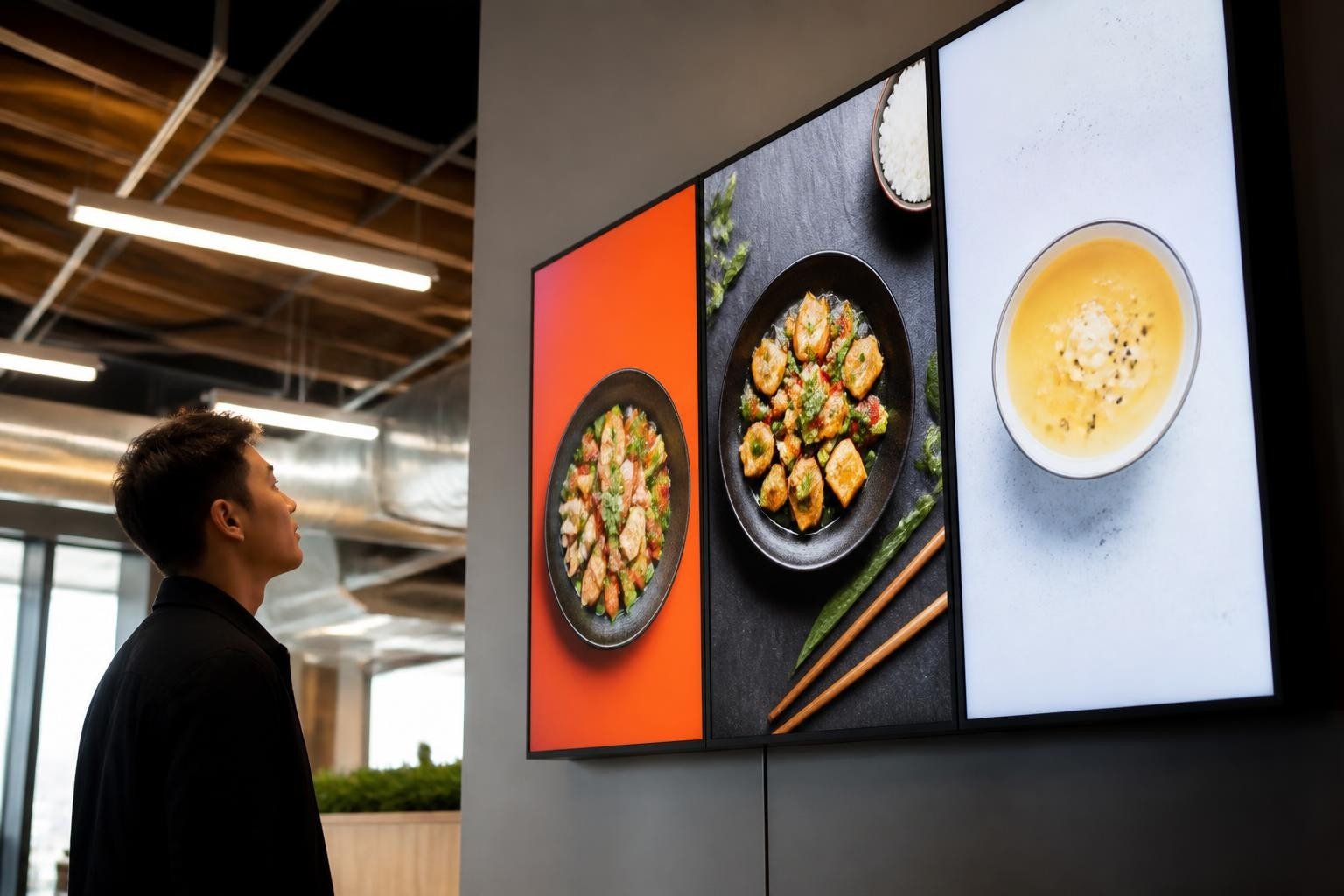
Digital signage has become an essential communication tool for businesses, public spaces, and institutions across every sector. Yet the software licensing fees for commercial platforms can quickly escalate, particularly when scaling deployments across multiple screens or locations. Digital signage freeware offers a compelling alternative, providing robust content management, scheduling, and playback capabilities without the recurring costs. Understanding which free platforms deliver professional results and how to implement them effectively can unlock significant savings whilst maintaining the visual impact your brand requires.
Understanding Digital Signage Freeware vs Commercial Solutions
The digital signage market has matured considerably over the past decade, and the gap between proprietary and free software has narrowed substantially. Digital signage freeware typically falls into two categories: open-source projects maintained by developer communities and proprietary freemium models that offer basic functionality at no cost.
Open-source solutions provide complete access to source code, enabling customization and integration with existing systems. These platforms benefit from community contributions, regular updates, and transparency regarding security and functionality. The absence of vendor lock-in means you retain full control over your deployment strategy and data.
Key advantages of digital signage freeware include:
- Zero licensing fees for core functionality
- Freedom to modify and extend features
- Community-driven development and support
- No artificial limits on screen counts or users
- Complete ownership of content and infrastructure
Proprietary freemium models, conversely, typically restrict advanced features, screen limits, or support to paid tiers. Whilst these platforms may offer polished interfaces and simplified setup, the long-term costs can accumulate as your needs grow.
Leading Open-Source Digital Signage Platforms
Several mature digital signage freeware projects have emerged as industry standards, each with distinct strengths and deployment scenarios.
Xibo
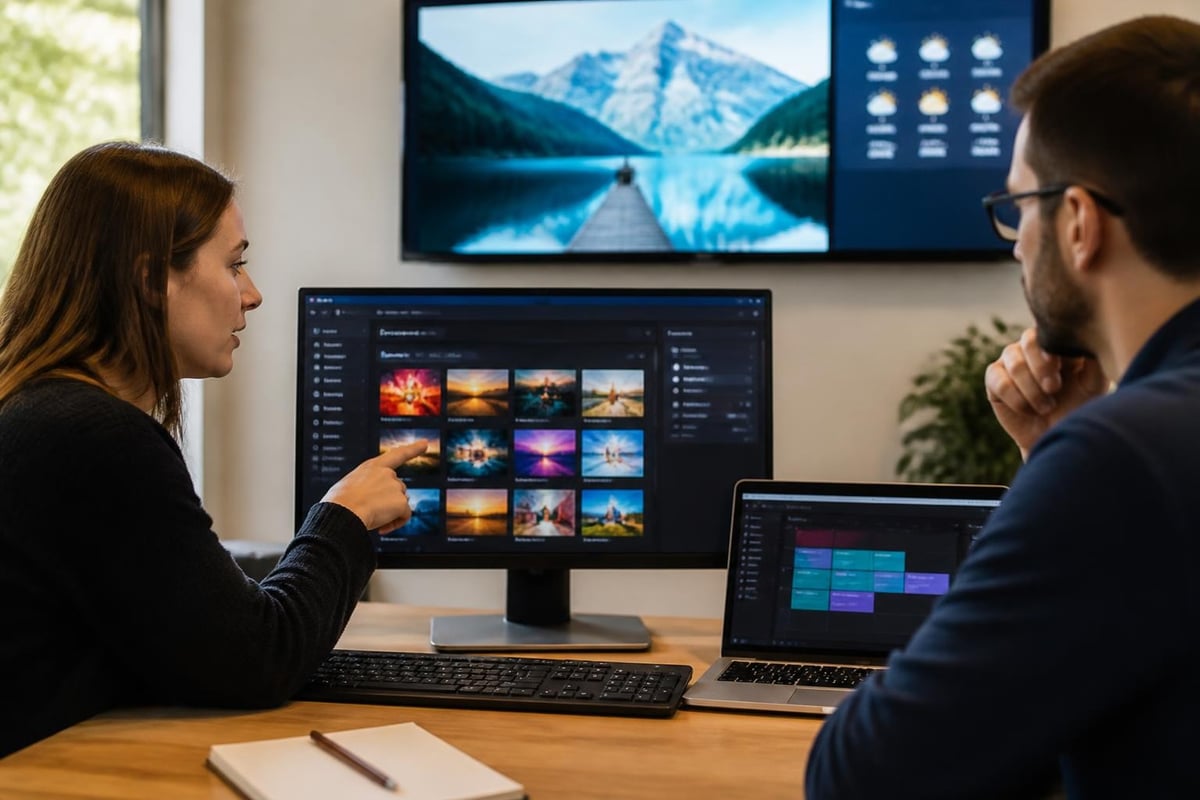
Xibo represents one of the most established open-source digital signage solutions, offering a full-featured content management system (CMS) alongside dedicated player software. The platform supports scheduled content, multi-zone layouts, and remote management across unlimited displays.
The architecture separates the server (which you host) from the player devices, providing flexibility in hardware selection. Xibo supports Windows, Android, and Linux clients, making it suitable for diverse deployment environments.
| Feature | Xibo Capability | Implementation Notes |
|---|---|---|
| Content types | Images, videos, web pages, data feeds | Extensive widget library |
| Scheduling | Campaign-based, priority levels | Dayparting and proof-of-play |
| Player support | Windows, Android, Linux | Docker containers available |
| Licensing | AGPLv3 | Self-hosted or cloud options |
Screenly OSE
Screenly Open Source Edition (OSE) targets Raspberry Pi devices specifically, creating an exceptionally cost-effective digital signage solution. The lightweight platform excels in single-screen deployments where simplicity and minimal hardware investment matter most.
Implementation considerations:
- Deploy Raspberry Pi 3 or 4 with adequate cooling
- Use quality SD cards (Class 10 minimum) for reliability
- Configure network connectivity before mounting displays
- Schedule content updates during off-peak hours
The web-based interface allows straightforward asset management and playlist creation without specialized technical knowledge. For businesses testing digital signage concepts or deploying information displays in low-traffic areas, Screenly OSE delivers remarkable value.
Concerto
Developed at Rensselaer Polytechnic Institute, Concerto focuses on community and campus environments where multiple departments or users need to share screen time. The moderation and approval workflow distinguishes this digital signage freeware from purely broadcast-oriented platforms.
Multi-tenant capabilities enable different teams to submit content whilst administrators maintain quality control and brand consistency. This collaborative approach suits educational institutions, corporate campuses, and shared-space environments particularly well.
Technical Requirements and Infrastructure Planning
Deploying digital signage freeware successfully requires careful attention to infrastructure beyond the software itself. The Linux Foundation reports that open-source solutions are increasingly driving technical transformation across vertical industries, including retail and hospitality sectors where digital signage plays a critical role.
Server and Hosting Considerations
Most digital signage freeware platforms require a server component to manage content, users, and player configurations. You face three primary hosting options:
- On-premises servers: Maximum control and security, requires IT infrastructure
- Cloud hosting (VPS/dedicated): Scalable, professionally maintained, monthly costs apply
- Containerized deployment: Docker or Kubernetes for flexibility and portability
Server specifications depend on your deployment scale, but a modest VPS with 2GB RAM and 20GB storage suffices for small-to-medium implementations managing 10-20 screens.
Network Architecture
Reliable connectivity between players and the CMS server underpins successful digital signage deployments. Consider these network requirements:
| Network Element | Minimum Specification | Recommended |
|---|---|---|
| Bandwidth per screen | 5 Mbps | 10+ Mbps |
| Latency | <100ms | <50ms |
| Availability | 95% | 99%+ |
| Remote management | VPN or secure tunnel | Dedicated VLAN |
Screens displaying video-heavy content or frequently updating data feeds demand higher bandwidth allocations. Budget for peak usage scenarios rather than average loads to prevent buffering or failed updates during critical periods.

Content Creation and Management Strategies
The most sophisticated digital signage freeware proves ineffective without compelling content. Developing a systematic approach to content creation, curation, and scheduling ensures your displays remain engaging and relevant.
Design Principles for Digital Displays
Screen content operates under different constraints than print or web design. Viewing distances, ambient lighting, and brief engagement windows necessitate bold typography, high contrast, and simplified layouts.
Essential design guidelines:
- Minimum 24-point fonts for standard viewing distances
- 30% margins to prevent edge cropping on various displays
- 3-second comprehension test for each message or slide
- Consistent branding elements across all content pieces
- High-resolution assets (1080p minimum for modern displays)
Many digital signage freeware platforms include template systems or integration with design tools. Establishing brand-compliant templates accelerates content production whilst maintaining visual consistency.
Scheduling and Dayparting
Strategic content scheduling maximizes message relevance and audience engagement. Dayparting divides the broadcast day into segments with tailored content reflecting viewer demographics and context.
Research published in the Journal of Science and Technology for Advanced Manufacturing explores content scheduling and adaptation for networked digital signage, highlighting how context-aware programming improves message effectiveness and viewer retention.
A retail environment might schedule product promotions during peak shopping hours, shift to brand storytelling during quieter periods, and display operational messages after closing. Restaurant digital signage alternates breakfast, lunch, and dinner menus automatically based on time of day.
Hardware Selection for Freeware Platforms
Digital signage freeware provides software flexibility, but hardware choices significantly impact deployment success, reliability, and total cost of ownership.
Display Technologies
Commercial-grade displays offer superior reliability and warranty coverage compared to consumer televisions, though at higher initial cost. Key specifications include:
- Brightness: 300-500 nits for indoor, 2,500+ nits for window-facing or outdoor
- Duty cycle: Commercial displays rated for 16-24 hour daily operation
- Connectivity: Multiple inputs (HDMI, DisplayPort) and pass-through for daisy-chaining
- Mounting: VESA compatibility and portrait/landscape orientation flexibility
For businesses seeking professional installations, Lightbox Signage solutions combine illuminated displays with custom fabrication, providing both the physical housing and the display substrate for digital signage integration.

Player Devices
The computing device driving each display profoundly influences system reliability, content capabilities, and energy consumption.
| Device Type | Typical Cost | Best Use Cases | Limitations |
|---|---|---|---|
| Raspberry Pi | £35-75 | Single screen, basic content | Limited processing for video |
| Intel NUC | £250-500 | Multi-zone, rich media | Higher power consumption |
| Android boxes | £80-200 | Cost-effective scaling | Variable quality and support |
| System-on-chip displays | Varies | Integrated solution | Locked to display brand |
Match player specifications to your content complexity rather than over-provisioning for theoretical maximum requirements. A display showing static images and simple transitions operates reliably on modest hardware that would struggle with 4K video playback or real-time data visualizations.
Deployment Best Practices and Common Pitfalls
Industry reporting from Digital Signage Today consistently highlights that technical capability matters less than strategic implementation when digital signage freeware deployments succeed or fail.
Pre-Deployment Planning
- Conduct a site survey: Document power availability, network access, viewing angles, and ambient lighting conditions
- Define content governance: Establish who creates, approves, and schedules content
- Set performance metrics: Determine how you'll measure deployment effectiveness
- Plan maintenance access: Ensure screens remain reachable for cleaning and servicing
- Test extensively: Validate full workflows in a controlled environment before rollout
Common Implementation Mistakes
Many organizations underestimate the operational requirements of digital signage, treating it as a "set and forget" technology. Content stagnation, technical neglect, and unclear ownership doom deployments to irrelevance.
Avoid these pitfalls:
- Launching without a content pipeline or editorial calendar
- Neglecting security updates and patch management
- Failing to monitor player health and connectivity
- Using consumer-grade equipment in commercial environments
- Ignoring accessibility considerations for diverse audiences
The systematic mapping study on accessible wayfinding published in Universal Access in the Information Society emphasizes that digital signage in public spaces must accommodate users with varying abilities, including appropriate contrast ratios, text sizes, and alternative information delivery methods.
Integration with Existing Systems
Modern digital signage freeware platforms offer API access and integration capabilities that transform displays from broadcast channels into dynamic information endpoints connected to your broader technology ecosystem.
Data Integration Scenarios
- Point-of-sale systems: Display real-time sales performance, inventory levels, or promotional countdowns
- Social media feeds: Curate and display user-generated content, reviews, or campaign hashtags
- Weather and news APIs: Provide contextual information relevant to viewers
- Calendar systems: Show meeting room availability, event schedules, or facility bookings
- Emergency notification systems: Override regular content with critical alerts
Integration complexity varies considerably between platforms. Xibo, for instance, provides extensive widget options and data connector modules, whilst simpler systems like Screenly OSE require custom development for dynamic content.
Security and Privacy Considerations
Free and open-source software demands the same security rigour as commercial alternatives. Digital signage freeware deployments face several threat vectors:
- Unauthorized content injection or display hijacking
- Network intrusion via inadequately secured player devices
- Data exfiltration from integrated systems
- Physical tampering with player hardware
Security hardening checklist:
- Change default passwords on all components
- Implement network segmentation (separate VLAN for signage)
- Enable HTTPS for all CMS communications
- Restrict player network access to essential services only
- Establish regular update and patch schedules
- Monitor access logs and player connectivity status
Cost Analysis and Return on Investment
Whilst digital signage freeware eliminates software licensing fees, total cost of ownership includes hardware, infrastructure, content creation, and ongoing management. Accurate cost modeling ensures realistic budgeting and justifies investment to stakeholders.
Initial Deployment Costs
| Component | Budget Range (per screen) | Notes |
|---|---|---|
| Commercial display | £400-1,500 | Size and specification dependent |
| Player device | £35-500 | Platform and capability variance |
| Mounting hardware | £50-200 | Wall mounts, ceiling brackets, stands |
| Cabling and installation | £100-500 | Professional installation recommended |
| Server infrastructure | £15-100/month | Cloud hosting or on-premises allocation |
Ongoing Operational Costs
Monthly operational expenses typically include:
- Content creation: Internal staff time or external design services
- Hosting and bandwidth: Server costs and internet connectivity
- Electricity: Approximately £5-15 per screen monthly
- Maintenance: Cleaning, repairs, and occasional hardware replacement
Comparing these costs against commercial digital signage platforms with per-screen licensing fees (often £15-50 monthly per display) demonstrates substantial savings at scale. A 20-screen deployment might save £3,600-12,000 annually by selecting digital signage freeware over commercial alternatives.
Advanced Features and Customization
The open nature of digital signage freeware platforms enables customization impossible with proprietary systems. Organizations with development resources can extend functionality to match precise requirements.
Popular Customization Scenarios
Technical teams frequently modify open-source platforms to add:
- Custom content widgets displaying proprietary data sources
- Specialized authentication and user management integration
- Branded player interfaces and management consoles
- Enhanced analytics and proof-of-play reporting
- Industry-specific compliance and audit features
The AVIXA article on digital signage forms and innovations explores how professional AV integrators leverage open platforms alongside commercial solutions to deliver bespoke installations meeting exacting client specifications.
Development investment makes sense when deployment scale justifies customization costs or when unique requirements preclude off-the-shelf solutions. Smaller implementations typically benefit more from selecting a platform whose standard features align closely with needs.
Migration Strategies from Commercial Platforms
Organizations currently using commercial digital signage software can transition to digital signage freeware, though planning and phased implementation reduce disruption.
Migration Planning Steps
- Audit existing content: Catalogue assets, playlists, and scheduling rules
- Evaluate feature parity: Confirm your selected freeware platform supports current use cases
- Test representative scenarios: Validate workflows with pilot screens before full migration
- Plan content conversion: Develop procedures for reformatting or recreating assets as needed
- Schedule cutover timing: Choose low-impact periods for system transitions
Hybrid Deployment Approaches
Some implementations benefit from running commercial and free platforms concurrently, perhaps using digital signage freeware for secondary or internal displays whilst maintaining commercial solutions for customer-facing or mission-critical screens. This staged approach allows capability evaluation whilst minimizing risk.
Data portability varies between platforms, so expect manual work transferring content libraries and recreating scheduling configurations. Budget time for this transition activity rather than assuming automated migration.
Digital signage freeware delivers professional capabilities without the licensing fees that burden commercial platforms, making sophisticated visual communication accessible to organizations of every size. Whether deploying information displays, wayfinding systems, or promotional content, open-source solutions provide the foundation for effective digital signage strategies. If you're ready to complement your digital displays with professionally fabricated physical signage, Signshoponline offers comprehensive custom signs, banners, vehicle branding, and integrated digital signage solutions tailored to your specific advertising and communication requirements.


